Robot collision checking: what a motion planner actually checks
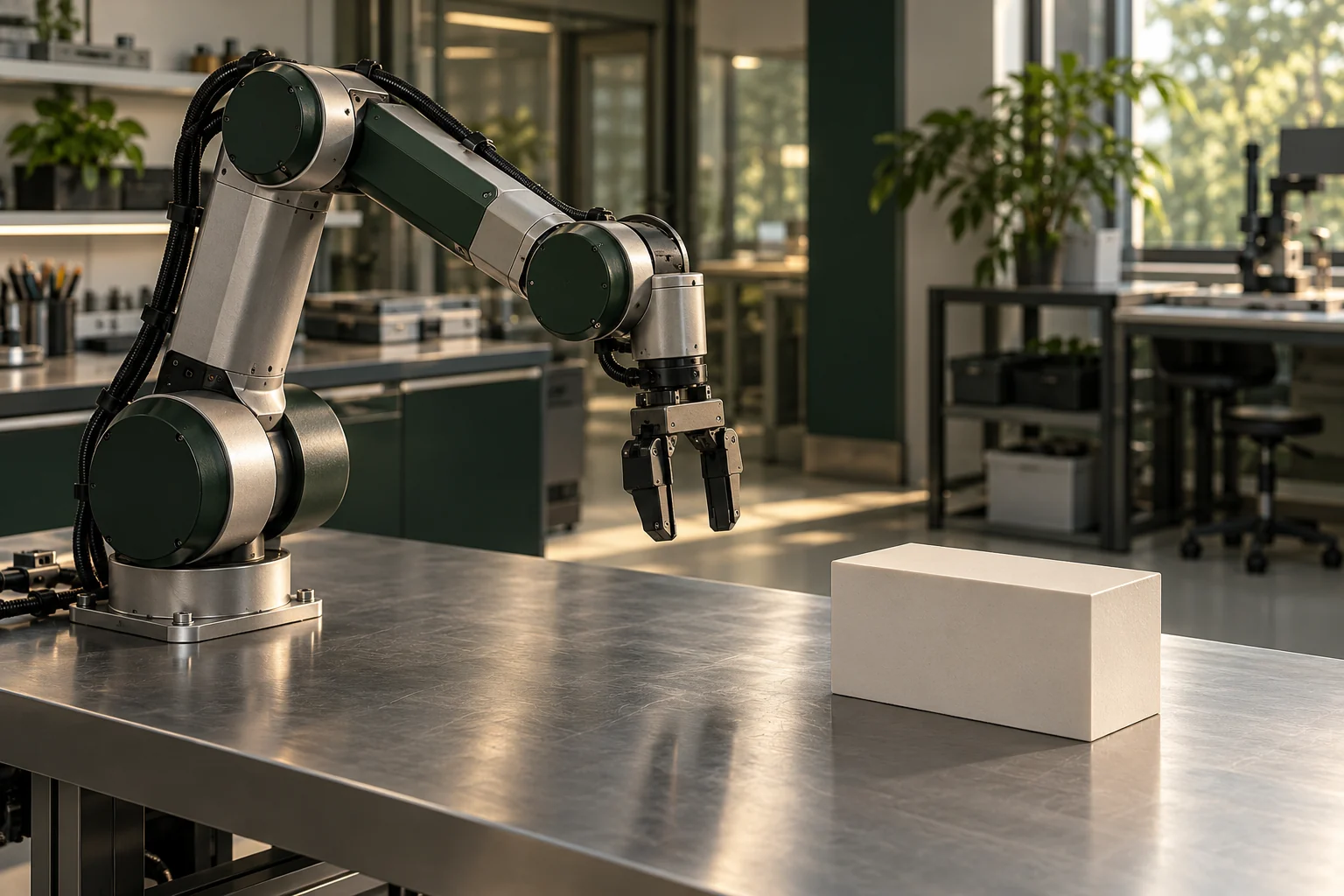
A robot reaching for a parcel needs more than a destination. It must find a motion that keeps its body and the parcel clear of obstacles. MoveIt, an open-source robotics framework, checks collisions by default when handling motion-planning requests, including self-collisions and attached objects. Its documentation offers a useful view of what that check means (motion-planning overview).
The scene is the input
MoveIt's planning scene stores a representation of the surrounding world and the robot's state. A scene monitor maintains that information; world geometry can come from sensors such as depth cameras or from user input. The checker therefore works with a supplied representation of the environment (scene-monitor documentation).
The distinction between these inputs matters:
| Input | What it contributes |
|---|---|
| Robot model | Collision shapes for the robot's parts |
| Robot state | Joint positions for the configuration being checked |
| World geometry | Obstacles represented around the robot |
| Allowed Collision Matrix | Pairs whose collisions the checker should ignore |
The official planning-scene tutorial makes these roles concrete. It changes joint positions, checks again, asks which parts contact each other and then changes which contacts count.
Two kinds of collision
Self-collision asks whether parts of the robot overlap in the checked configuration. In the tutorial, checkSelfCollision uses the collision meshes in the robot description without additional padding. This can reveal an arm intersecting another part of its own body.
The broader checkCollision also checks against the environment. The tutorial says environment checks use a padded version of the robot, helping keep it further from obstacles. The distinction explains why checking only for self-collision cannot establish clearance from a shelf or table.
The Allowed Collision Matrix changes which pairs count. The tutorial deliberately permits contacts it has just detected; the checker then ignores those contacts. A result reporting no collision must therefore be read alongside these exclusions, as well as the geometry.
A hypothetical missing table
Imagine an arm moving a parcel across a table. Suppose the scene contains the robot and parcel but omits the table. A configuration intersecting the physical tabletop could pass the model's collision check: the omitted obstacle supplies no geometry to test against. Adding an accurate table model could change that result. This is an illustration of the scene's scope, not a robot experiment.
The parcel also needs representation after pickup. MoveIt's scene-update tutorial removes a box from the world and attaches it to the hand so collision checking can account for the carried object. It specifies hand and finger links whose contact with the box should be ignored. The box still needs to be considered when checking its relationship with other obstacles.
What a clear result tells you
Collision checking is one part of checking a state. The planning-scene tutorial separately demonstrates joint-bound checks, position and orientation constraints, and a user-defined feasibility callback. Its combined state-validity call checks collisions, constraints and that callback. The meaning of “valid” depends on the checks supplied.
This mechanism helps explain the manipulation problems behind warehouse picking robots and humanoid robots. Their picking and humanoid technology profiles cover the broader field. This article reviews pinned documentation and tutorial code, not an executed MoveIt test. It does not establish that a physical robot followed a planned motion or that a system is certified safe around people.
Technology profiles
Making sense of robotics and artificial muscles
Read a robot demonstration as a description of a task in a particular setting. A useful account tells you what the robot handled, how the space was prepared and who intervened. Separate the body and actuators from the perception and control software. A convincing movement sequence leaves practical questions about repeatability, maintenance and the work required to deploy the complete system.
What to check in this field
Questions to take to the evidence
- Was the robot autonomous, remotely operated or following a prepared sequence? Check how a demonstration was selected and whether unsuccessful attempts are reported.
- What were the payload, reach, speed and operating conditions? Ask whether the same task was repeated with different objects, lighting and layouts.
- What surrounds the robot? Include charging, supervision, guarding, repairs and recovery from dropped objects or blocked paths when considering a proposed use.
What would make the future useful?
Future robots could take on a wider range of physical work if their complete systems meet the demands of a specific setting. Use an everyday task, with measurable success and failure, to assess that possibility rather than judging the appearance of the machine.
Explore the field: Humanoid robots · Artificial muscles and soft actuators.
Sources
- https://raw.githubusercontent.com/moveit/moveit2_tutorials/e1b3727d4bbd22a57f17120ec423a4171f4bdc66/doc/concepts/motion_planning.rst
- https://raw.githubusercontent.com/moveit/moveit2_tutorials/e1b3727d4bbd22a57f17120ec423a4171f4bdc66/doc/concepts/planning_scene_monitor.rst
- https://raw.githubusercontent.com/moveit/moveit2_tutorials/e1b3727d4bbd22a57f17120ec423a4171f4bdc66/doc/examples/planning_scene/src/planning_scene_tutorial.cpp
- https://raw.githubusercontent.com/moveit/moveit2_tutorials/e1b3727d4bbd22a57f17120ec423a4171f4bdc66/doc/examples/planning_scene_ros_api/src/planning_scene_ros_api_tutorial.cpp
Checked against its sources by Independent AI source review and editorial edit (Codex).